Support
How can I get access to my income statement?
To access your income statement, follow these simple steps:
- Log in to your clicknpark account using our website.
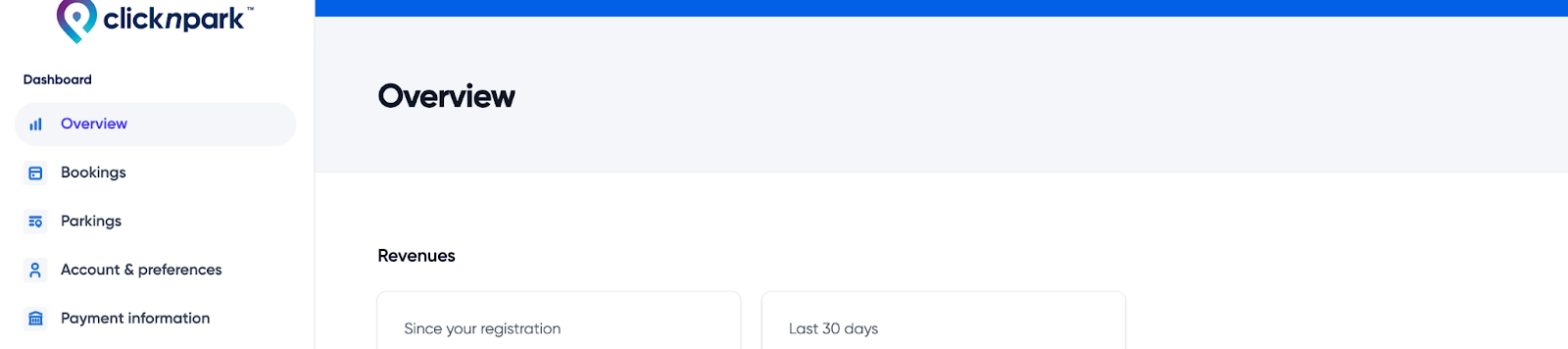
- Once logged in, access your dashboard and select the "Overview" tab.
- On this page, you'll be able to view your revenue information, including bookings made, amounts collected and periods covered.

Mise à jour le 04-12-2023