Support
How to add a promotional code?
To add a promotional code to your clicknpark account, please follow these steps:
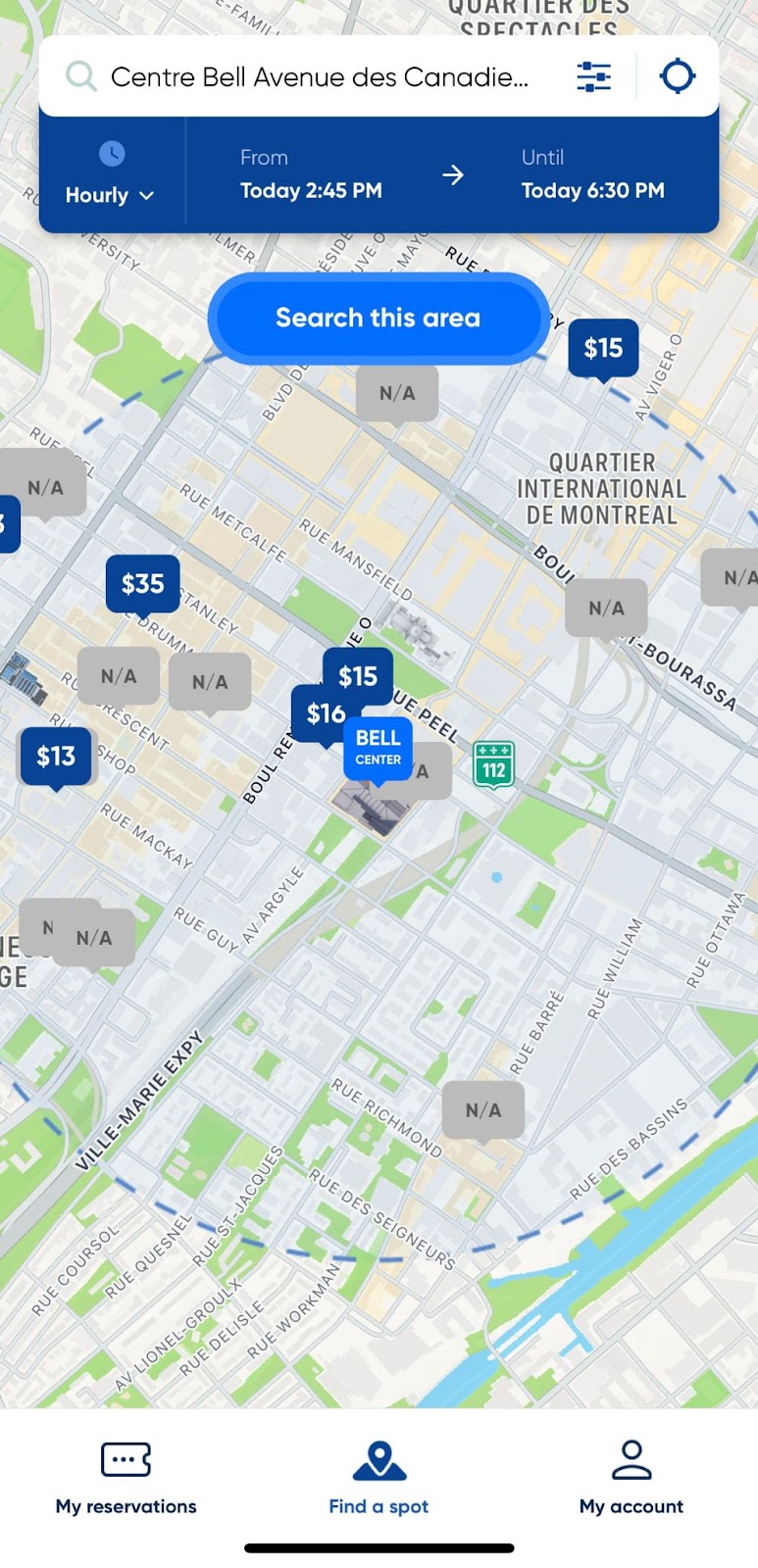
Open the clicknpark application on your mobile device.
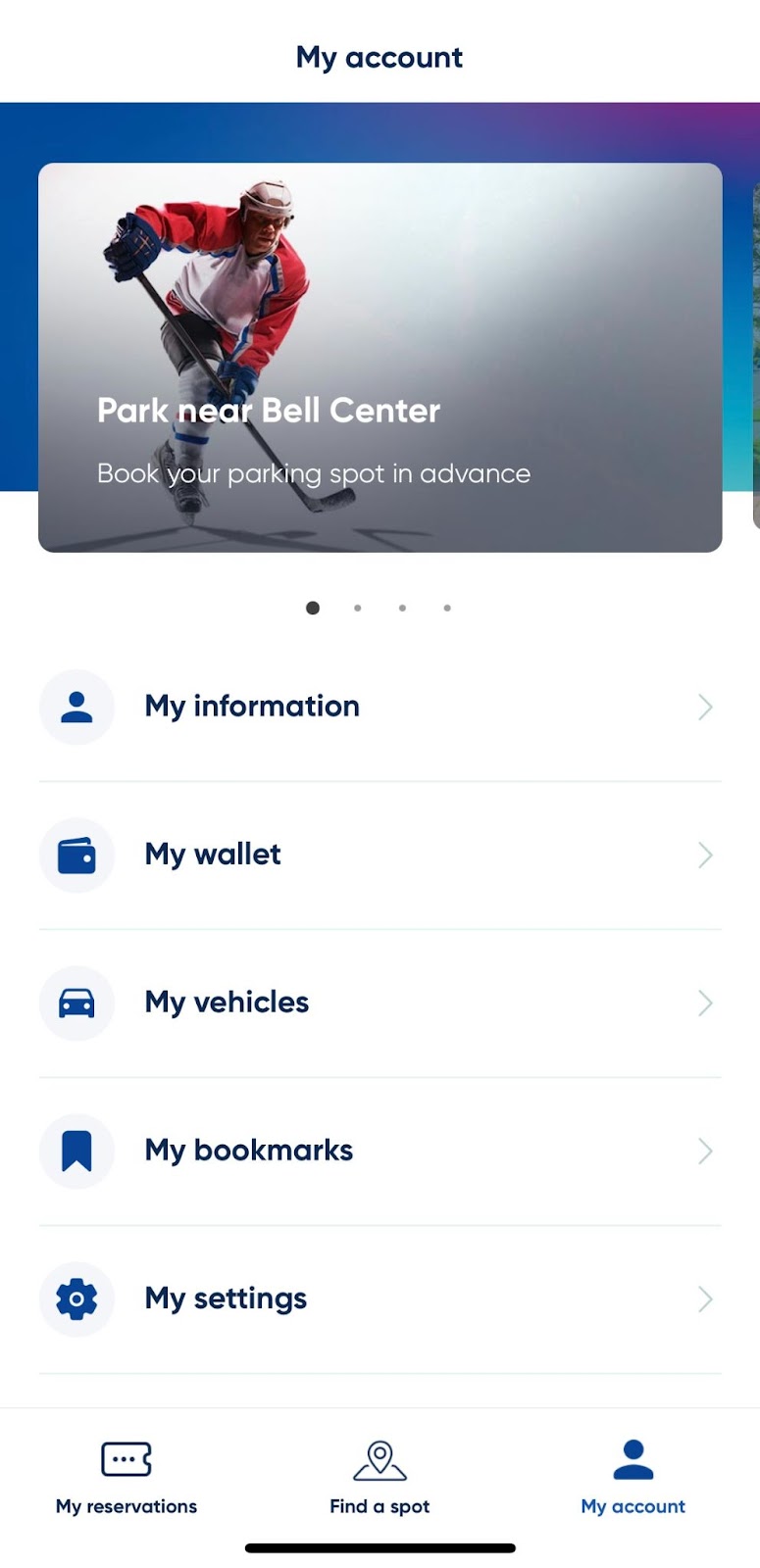
Go to the "My account" tab.
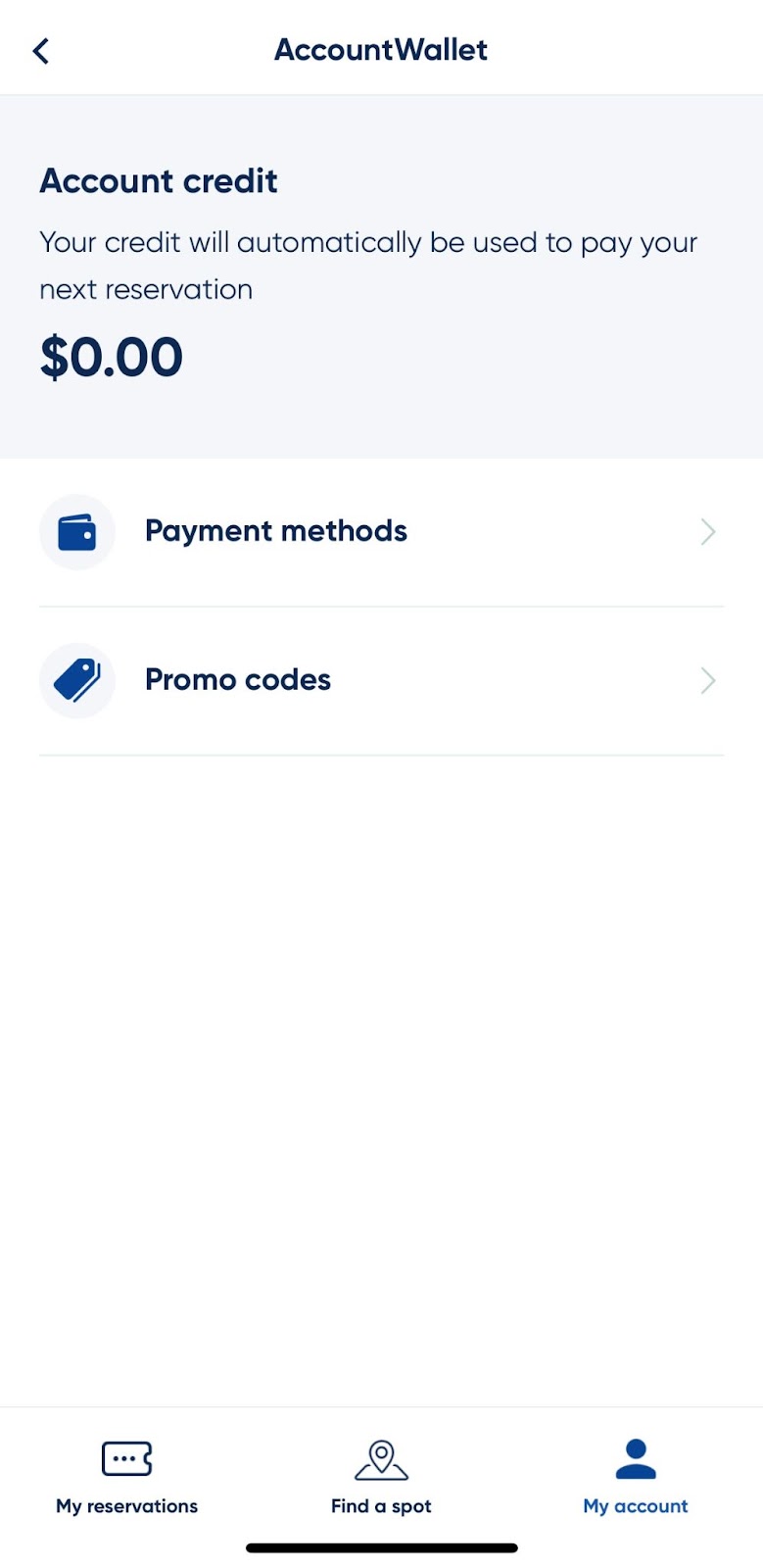
Select the "My wallet" option.
Choose the "Promo codes" option.
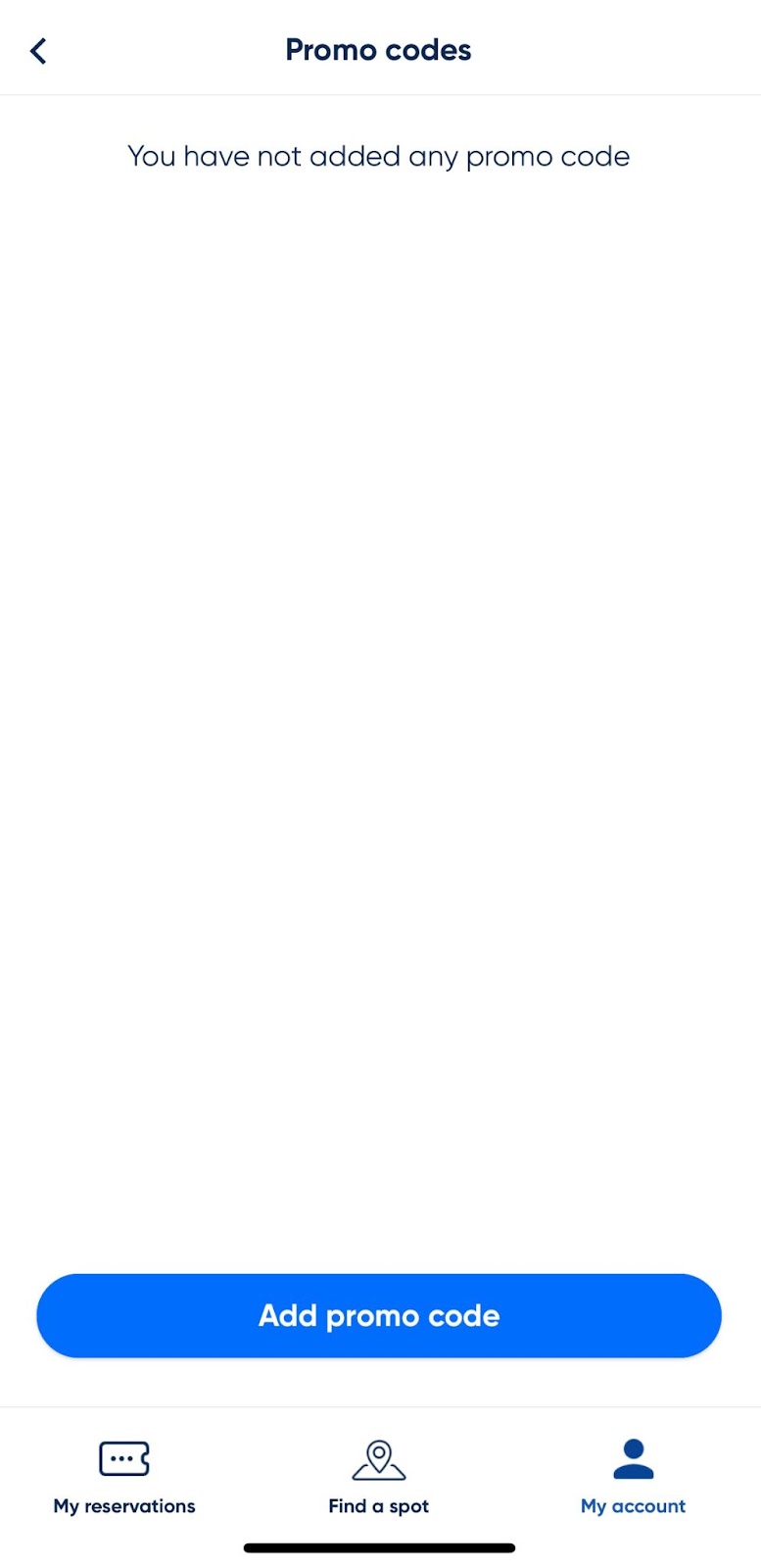
Enter the promotional code in the field provided.
Click on the "Add promo code" button to submit the promotional code.
Once the promotional code has been validated, the corresponding benefits or discounts will be applied to your next booking or payment, according to the conditions of the current promotion.
Be sure to check the promotional code's terms of use for restrictions, expiration dates and specific details of the promotional offer.
Mise à jour le 16-11-2023